> For the complete documentation index, see [llms.txt](https://docs.shopsearching.com/llms.txt). Markdown versions of documentation pages are available by appending `.md` to page URLs; this page is available as [Markdown](https://docs.shopsearching.com/readme.md).
# Welcome
## Welcome to ShopSearching.com
Welcome to [**ShopSearching.com**](https://shopsearching.com/) — a modern local business discovery and analytics platform built to connect people with trusted businesses across India, while empowering business owners with actionable insights to grow.
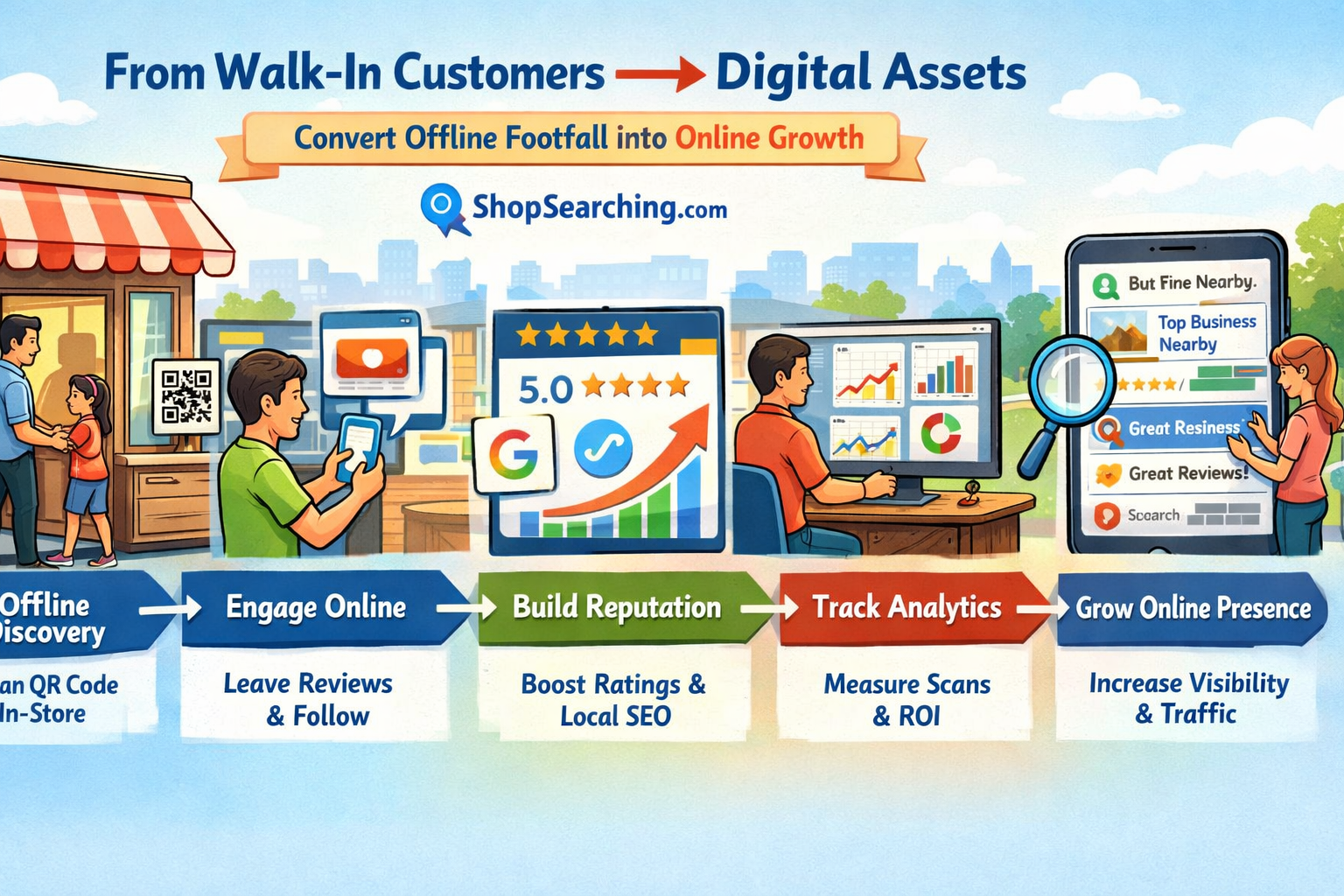
ShopSearching bridges the gap between [**offline discovery and online engagement**](/business-dashboard/offline-discovery-and-online-engagement.md). We help customers find the right businesses nearby, and help business owners convert visibility into real-world results like walk-ins, calls, enquiries, and reviews.
***
### What Is ShopSearching.com?
ShopSearching.com is a **search-powered business directory and growth platform** that lists millions of businesses across India, including:
* [Retail shops](https://shopsearching.com/businesses/category/top-businesses-in-retail)
* [Healthcare providers](https://shopsearching.com/businesses/category/top-businesses-in-healthcare)
* [Hotels](https://shopsearching.com/businesses/category/top-businesses-in-hotels) & [restaurants](https://shopsearching.com/businesses/category/top-businesses-in-restaurants)
* [Service businesses](https://shopsearching.com/businesses/category/top-businesses-in-services)
* [Professional providers](https://shopsearching.com/businesses/category/top-businesses-in-providers)
Each business profile is designed to show **accurate, up-to-date information** such as address, contact details, reviews, photos, and engagement signals — helping users make confident decisions and helping businesses build trust.
***
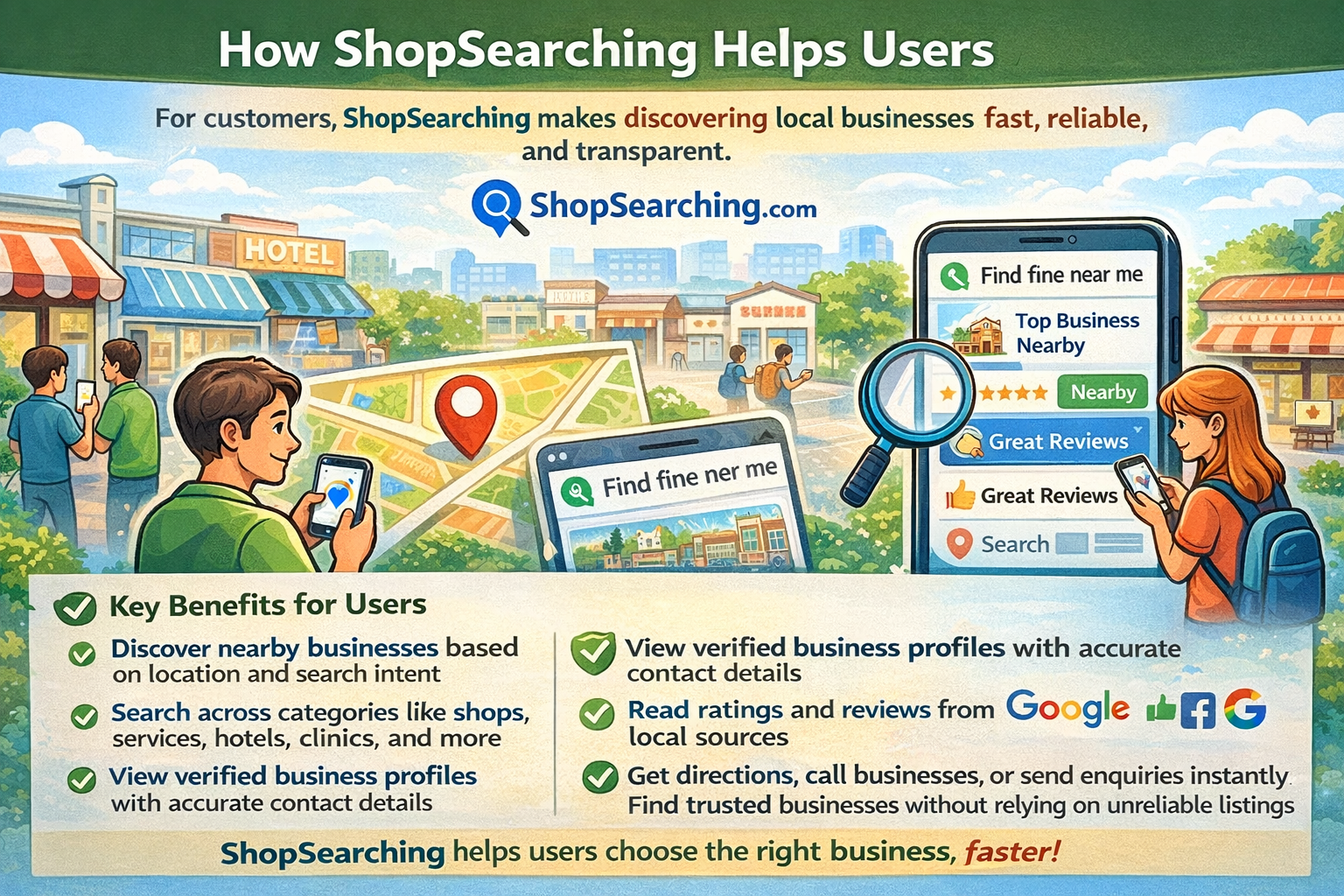
### How ShopSearching Helps Users
For customers, ShopSearching makes discovering local businesses **fast, reliable, and transparent**.
#### Key Benefits for Users
* Discover nearby businesses based on location and search intent
* Search across categories like shops, services, hotels, clinics, and more
* View verified business profiles with accurate contact details
* Read ratings and reviews from Google and local sources
* Get directions, call businesses, or send enquiries instantly
* Find trusted businesses without relying on unreliable listings
ShopSearching helps users choose the **right business, faster**.
***
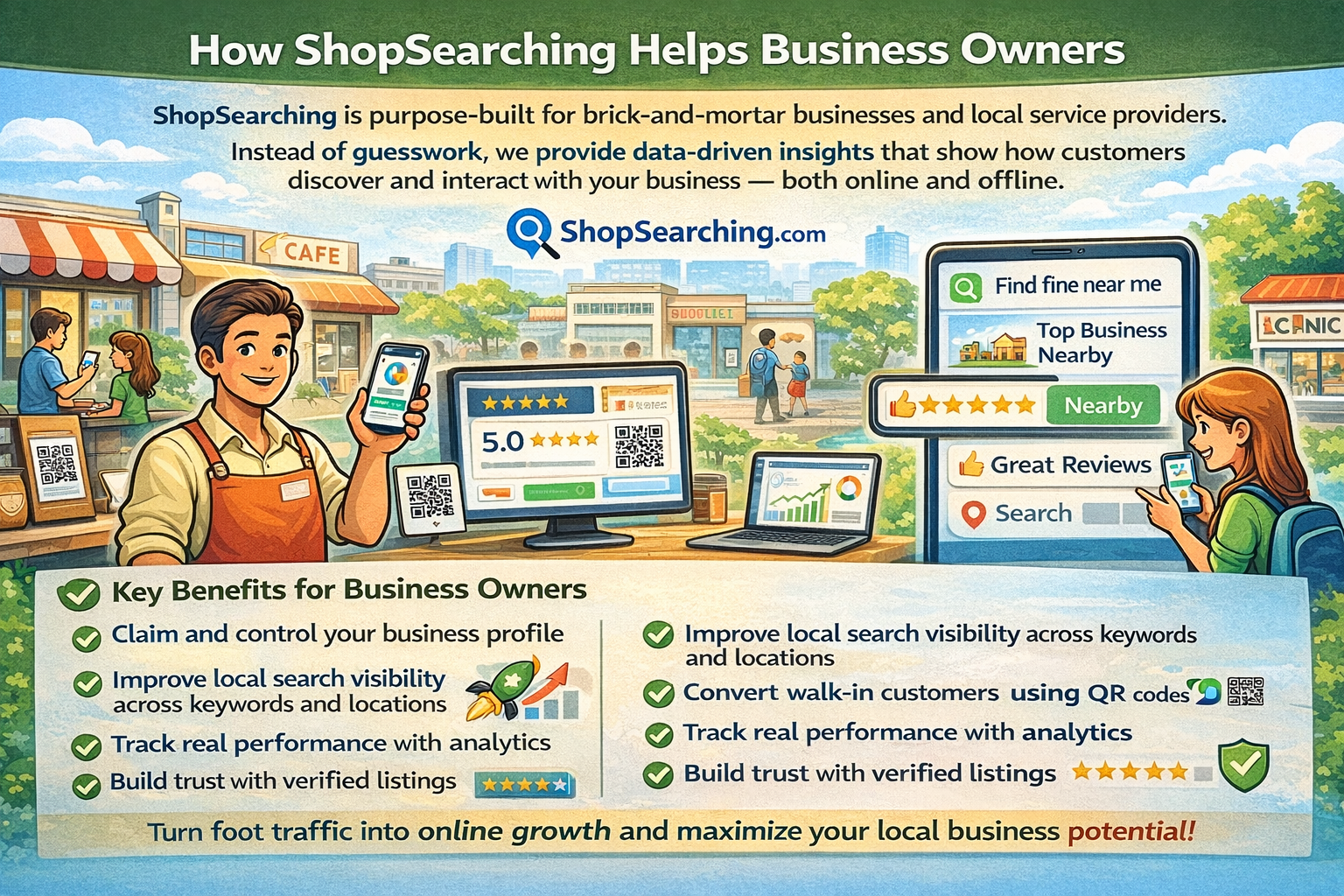
### How ShopSearching Helps Business Owners
ShopSearching is purpose-built for [brick-and-mortar businesses](#why-brick-and-mortar-still-matters) and local service providers.
Instead of guesswork, we provide [**data-driven insights**](/business-dashboard/analytics-and-reporting-system.md) that show how customers discover and interact with your business — both online and offline.
#### Key Benefits for Business Owners
* [Claim and control your business profile](/getting-started/claiming-your-business.md)
* Improve local search visibility across keywords and locations
* Convert walk-in customers using [QR codes](#qr-codes-and-offline-tracking)
* [Track real performance](/business-dashboard/business-dashboard-and-paid-features.md) with analytics
* Manage leads, enquiries, and reviews in one place
* Build trust with verified listings
***
### Core Features of ShopSearching
#### Business Listings
* Detailed profiles with address, contact info, photos, and reviews
* Fully editable by claimed business owners
* Optimized for search visibility and conversions
***
#### Search & Discovery
* Location-based business search
* Category and keyword-driven discovery
* Built for local search intent
***
#### Analytics & Insights
* Profile impressions and clicks
* Keyword rankings and performance
* QR scan tracking and trends
* Competitor comparison insights
***
#### QR Codes & Offline Tracking
* Printed QR codes linked to your business profile
* Track every scan inside your dashboard
* Convert offline visitors into measurable engagement
***
#### Leads & Enquiries
* Centralized inbox for customer messages
* Track enquiries, calls, and actions
* Never miss a potential customer
***
#### Reviews & Trust Signals
* Sync and display Google reviews
* Respond to customer feedback
* Build credibility with verified badges
***
### Built for Brick-and-Mortar Businesses
ShopSearching is designed specifically for **physical businesses**.
By combining **QR codes, analytics, and profile management**, ShopSearching helps you:
* Measure offline [foot traffic interest](/business-dashboard/offline-discovery-and-online-engagement.md)
* Understand how customers discover you
* Increase walk-ins and repeat visits
* Improve conversion from visibility to action
This makes ShopSearching especially effective for **retailers, restaurants, clinics, salons, hotels, and service-based businesses**.
***
### Your Welcome Kit (For Subscribed Businesses)
Once you subscribe, your [Welcome Kit](#your-welcome-kit-for-subscribed-businesses) is shipped to your registered business address.
#### What’s Included
* Your official ShopSearching QR codes
* A welcome letter
* Setup and verification instructions
To get started:
1. Scan the QR code from your kit
2. Log in to your account
3. Open **My Business Dashboard**
4. Follow step-by-step setup guidance
***
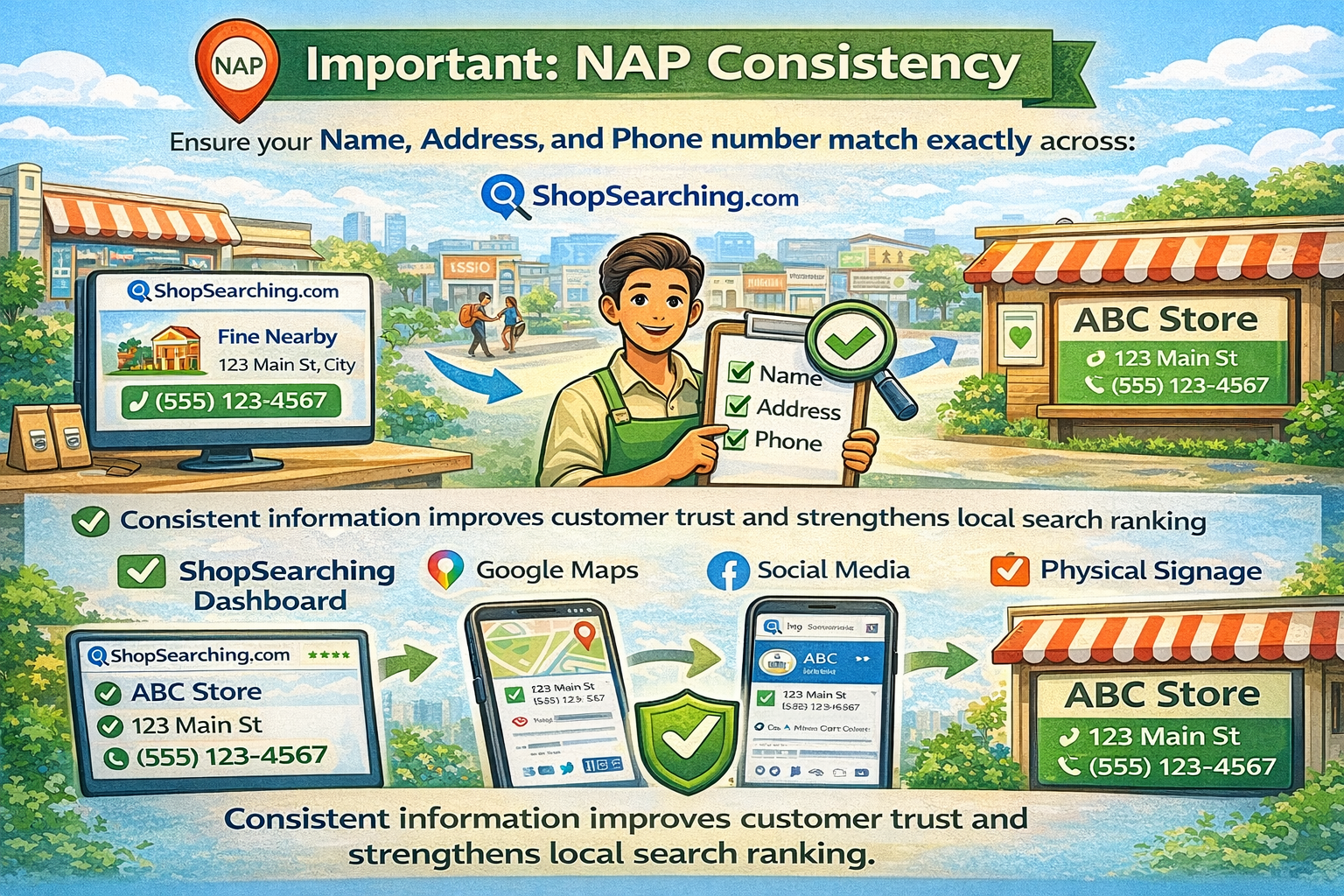
### Important: NAP Consistency
Ensure your **Name, Address, and Phone number (NAP)** match exactly across:
* ShopSearching dashboard
* Google Maps
* Social media
* Physical signage
Consistent information improves customer trust and strengthens [local search ranking](/getting-started/local-seo-best-practices-and-google-business-profile-gbp.md). Learn more about [NAP Consistency](/business-dashboard/nap-consistency-why-it-matters.md).
***
### Why Brick-and-Mortar Still Matters
Local shops remain the backbone of India’s economy.
Customers trust physical businesses because they can:
* See and touch products
* Interact with real people
* Build long-term relationships
When combined with **digital discovery, QR codes, and analytics**, brick-and-mortar businesses achieve maximum reach — this is exactly what ShopSearching enables.
***
### Why Google Maps Ranking Matters
Google Maps is often the first place customers look for nearby businesses.
Better Maps visibility leads to:
* More profile views
* More direction requests
* More phone calls and visits
* Higher trust from new customers
ShopSearching supports Google Maps visibility through engagement, reviews, and consistent data.
***
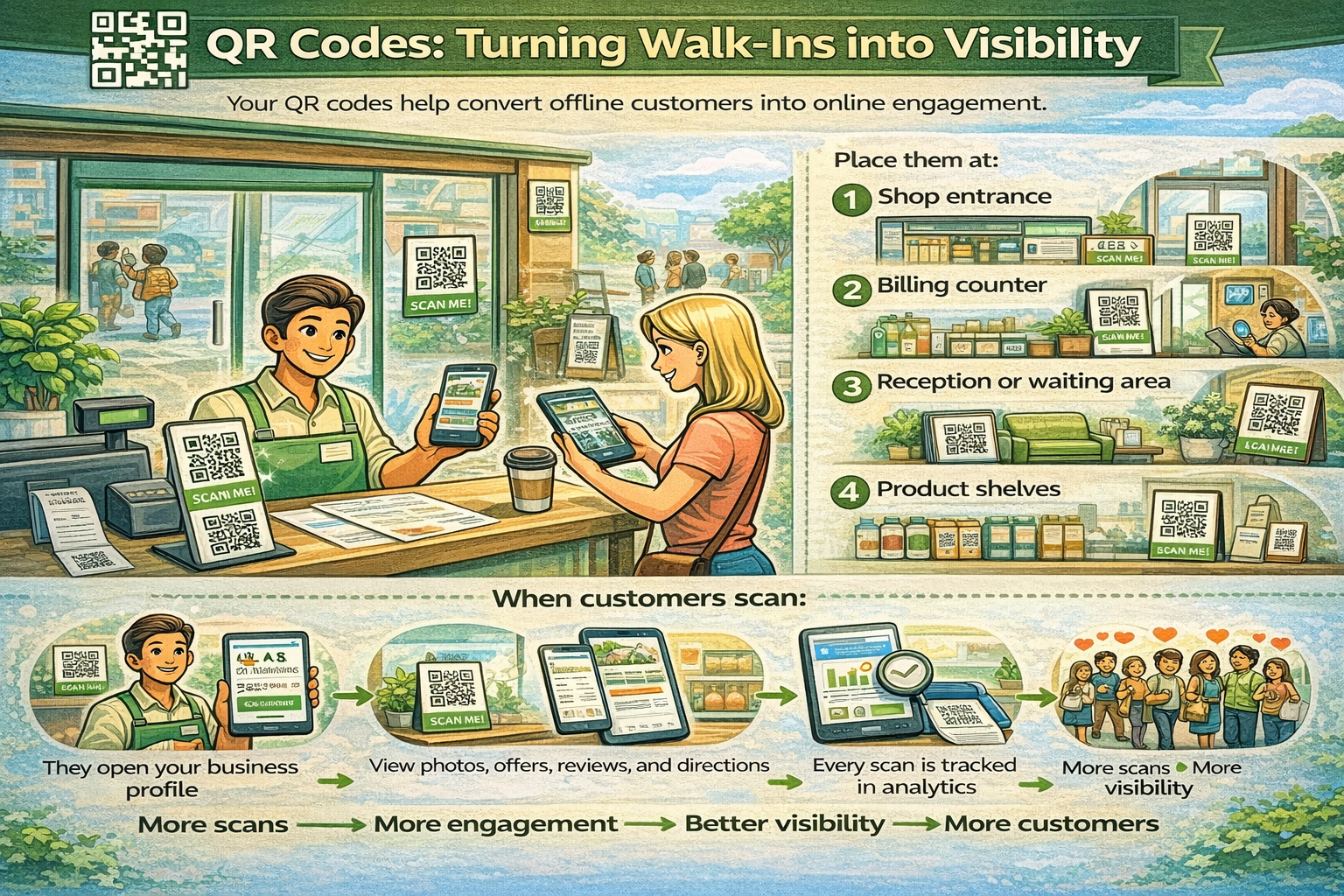
### QR Codes: Turning Walk-Ins into Visibility
Your QR codes help convert offline customers into online engagement.
Place them at:
* Shop entrance
* Billing counter
* Reception or waiting area
* Product shelves
* Bills, posters, or packaging
When customers scan:
* They open your business profile
* View photos, offers, reviews, and directions
* Every scan is tracked in analytics
**More scans → More engagement → Better visibility → More customers**
***
### Your Business Dashboard – What to Do First
To improve visibility quickly:
* Add business timings and contact details
* Enable WhatsApp contact
* Upload product catalog or services
* Add offers or updates
* Encourage QR scans and reviews
* Review keyword rankings and analytics weekly
* Use competitor insights to improve ranking
Your **Optimization Score** increases as you complete these steps — higher scores lead to better visibility.
***
### What We Track & Report Automatically
Your dashboard and email reports include:
* Total and daily QR scans (Google & ShopSearching)
* Scan growth comparisons
* Keyword rankings and search visibility
* Rating and review growth
* Top-performing keywords
* Competitor insights
* Optimization score and suggestions
These insights are compiled into **PDF reports and emailed automatically**, so you stay informed even when busy.
***
### Quick Tips for Best Results
* Ask customers to scan QR codes before leaving
* Encourage satisfied customers to leave reviews
* Share your shop link and QR code on WhatsApp
* Add product names and local keywords
* Run simple offers to attract attention
* Update your profile regularly
***
### QR Verification (Required)
After placing your QR code, upload a photo from:
Dashboard → QR Verification
This confirms authenticity and improves trust and visibility.
***
### We’re Here to Help
Need help with setup, QR codes, analytics, or optimization?
🌐
📧
***
```
```

.png?alt=media&token=060b6080-a9e2-4f07-9c41-0881d8fe6ed6)